In this guide
By fixing the top causes, you can reduce cancellations, protect your ranking, and improve customer satisfaction. This guide explains how to reduce cancellations on GrabFood with practical, easy-to-implement fixes, covering menu setup, operations, preparation, and communication.
Why Cancellations Happen on GrabFood
Most restaurant cancellations come down to four root causes:
- Stock-outs: items shown as available but actually sold out.
- Prep delays: long cooking times causing drivers or customers to cancel.
- Miscommunication: wrong orders due to unclear menu descriptions or notes.
- Operational issues: kitchen closures, staffing problems, or sudden menu unavailability.
Fix Your Menu Data
Accurate menus are your first defense against cancellations.
- ✓ Keep stock updated daily, remove or mark unavailable items immediately.
- ✓ Use clear, accurate descriptions so customers know exactly what they’re ordering.
- ✓ Group similar dishes to reduce confusion (e.g., “Spicy Garlic Fried Rice” vs. “Garlic Fried Rice”).
Streamline Your Preparation Process
Faster prep times reduce cancellations by keeping drivers and customers happy.
- ⚡ Standardize recipes to ensure predictable cooking times.
- ⚡ Pre-prepare high-demand items during peak hours.
- ⚡ Keep frequently used ingredients within easy reach to save seconds on each order.
The Account Check-Up reads your listing and your zone and hands you a ranked list of what to fix first, in 5 business days, $149 per platform. Prefer to run it yourself? The Method is $29.
Communicate with Drivers and Customers
Quick, clear communication can save an order before it gets canceled.
- 📩 Use Grab’s in-app chat to confirm or clarify special requests.
- 📩 Inform drivers of expected wait times when orders are large or complex.
- 📩 Offer simple swaps for out-of-stock items instead of canceling outright.
Optimize for Peak Times
Most cancellations happen when kitchens are overwhelmed. Plan ahead:
- 📊 Review past order data to anticipate busy periods.
- 👩🍳 Assign extra staff to packing and handoff stations.
- 🚀 Consider running a limited “peak menu” to keep service fast.
Track, Adjust, Improve
Use Grab’s merchant analytics to monitor your cancellation rate and spot trends.
- 📉 Identify your top three cancellation reasons each month.
- 🔄 Test one fix at a time and measure the impact.
- 🏆 Aim for a cancellation rate under 2% to stay competitive in search rankings.
What a check-up finds on an account like this
When we read an account whose owner is worried about cancellations, the cancellation rate itself is rarely the finding. On most accounts it sits well under two percent, and the platform’s own avoidable cancellation figure is often zero. The number that actually moves ratings and rankings is the one next to it: the share of orders prepared late.
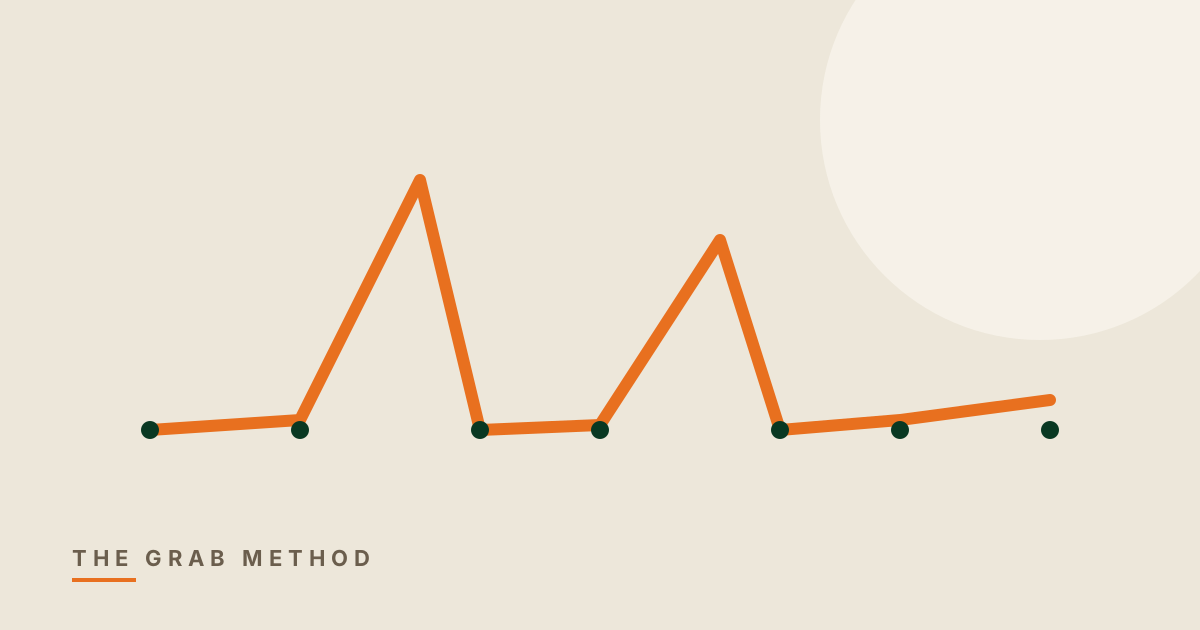
And late orders almost never come as a steady drip. On the accounts we read, they arrive as two or three sharp spikes on particular days, which points at one busy service that overran, not at a kitchen that is slow every day. The fix for a spike is scheduling and prep for that service; the fix for a drip is the menu. Treating one as the other wastes a month.
The other thing the check-up finds is refunds nobody contested. Grab gives a short appeal window on a refund. On the accounts we read, most disputed refunds were already past it by the time anyone looked. That is money lost to a calendar, not to a customer, and it is one of the first things Account Care puts on a clock.
Questions people ask about this
Is a two percent cancellation rate a problem on Grab?
Usually not. Under two percent is normal for a busy account, and the figure to watch instead is the share of orders prepared late, which is what customers and the ranking actually react to.
Why do my late orders all happen on the same few days?
Because they are spikes, not a trend: one service that overran, usually a weekend peak or a promotion day. That points at scheduling and prep for that service rather than at a slow kitchen.
Can I get a refund reversed on Grab?
Sometimes, but only inside the appeal window, which is short. Most disputed refunds we see on accounts were already past it when they were noticed. Check refunds weekly, not monthly.